

Aurora Pulse · Main theme
Music
Models integrated in ProStudio






The creative core that guides the entire project.
The final content the project needs to produce.
ProStudio Agent does not generate assets blindly: it clarifies the objective, audience, formats, and creative direction with you, then structures the shared production document.
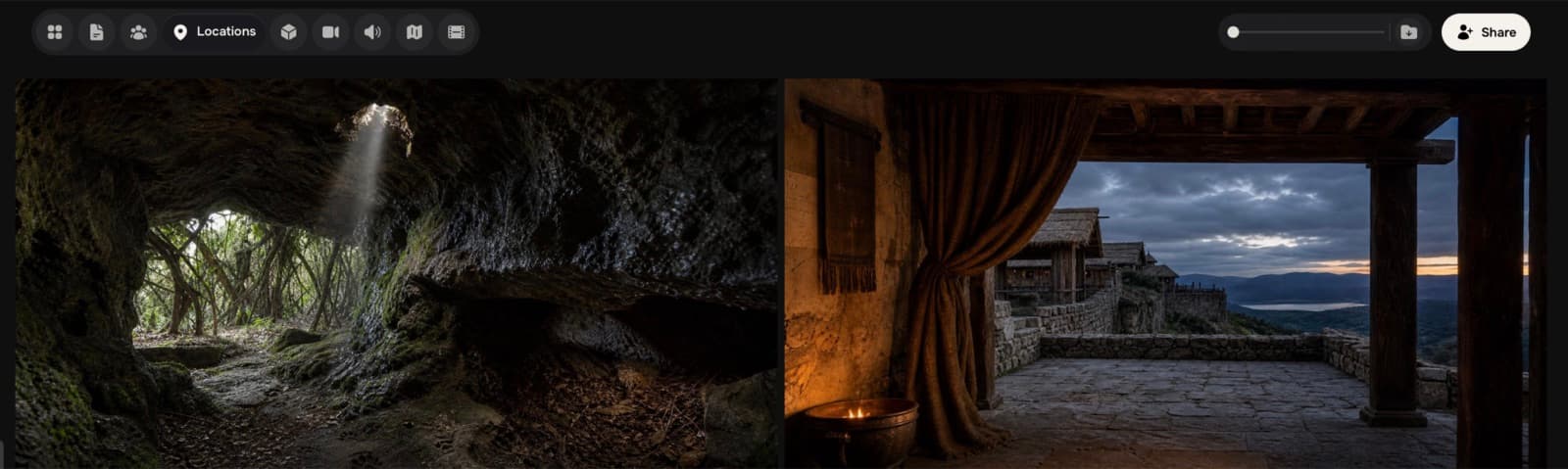
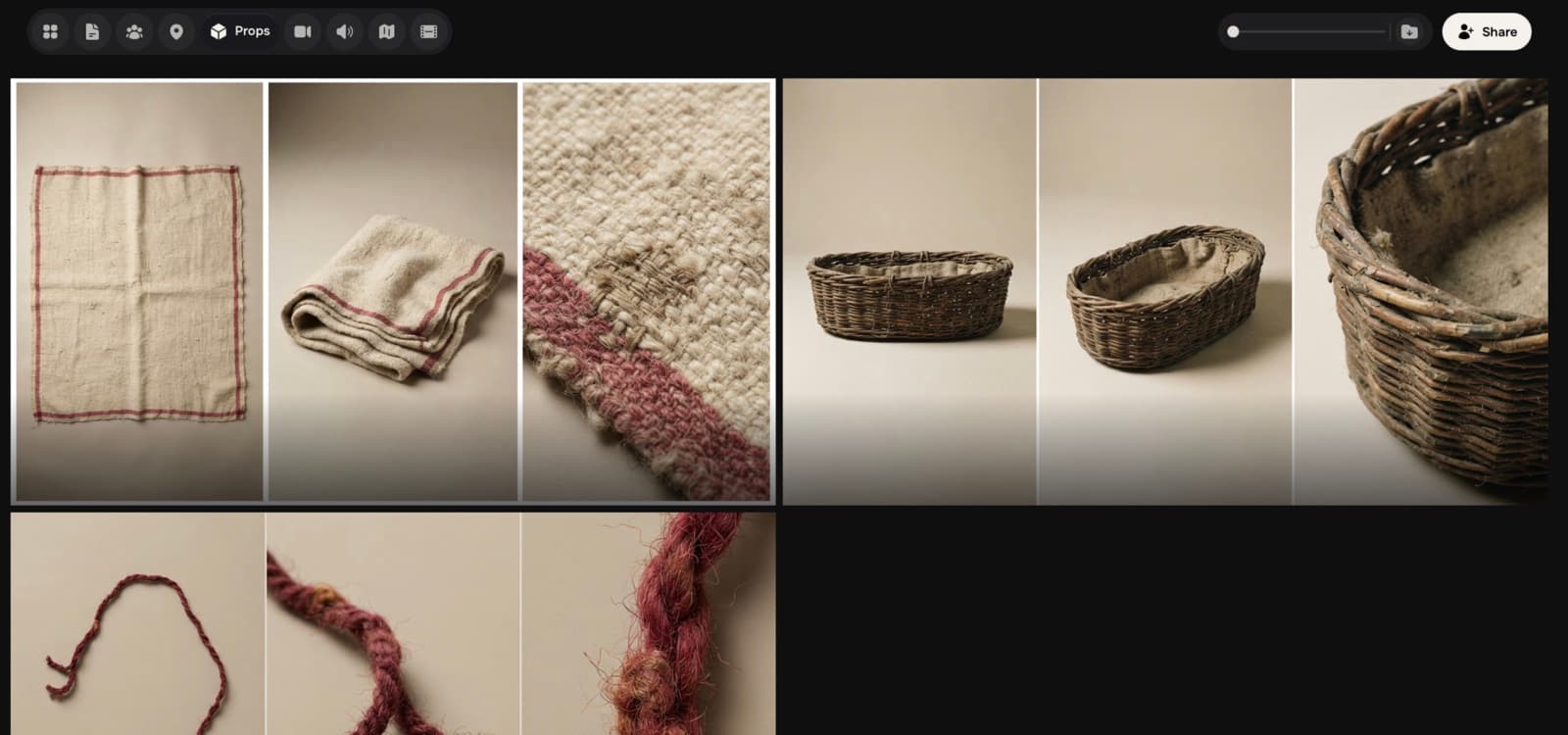
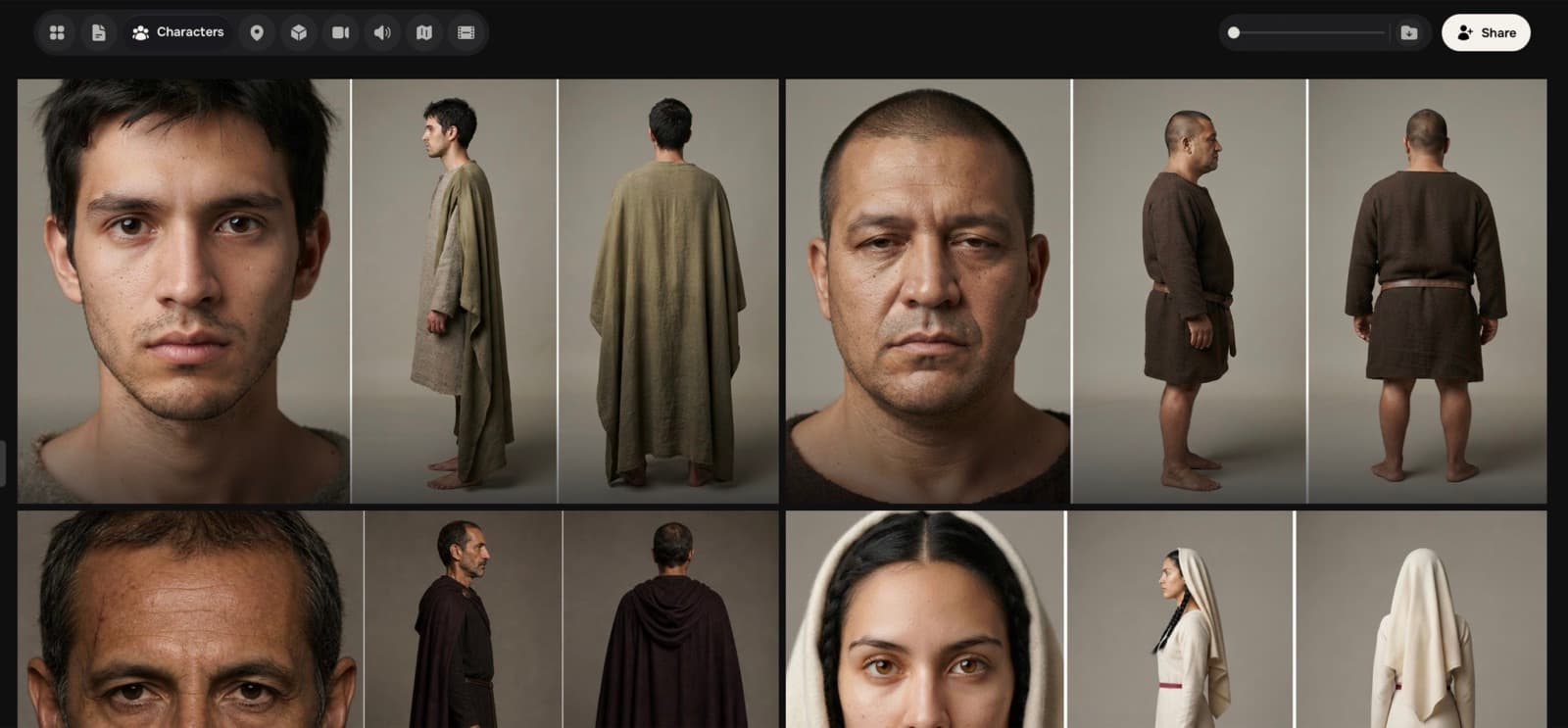
The project’s core references are defined together and remain available for generation, Previs, and editing.
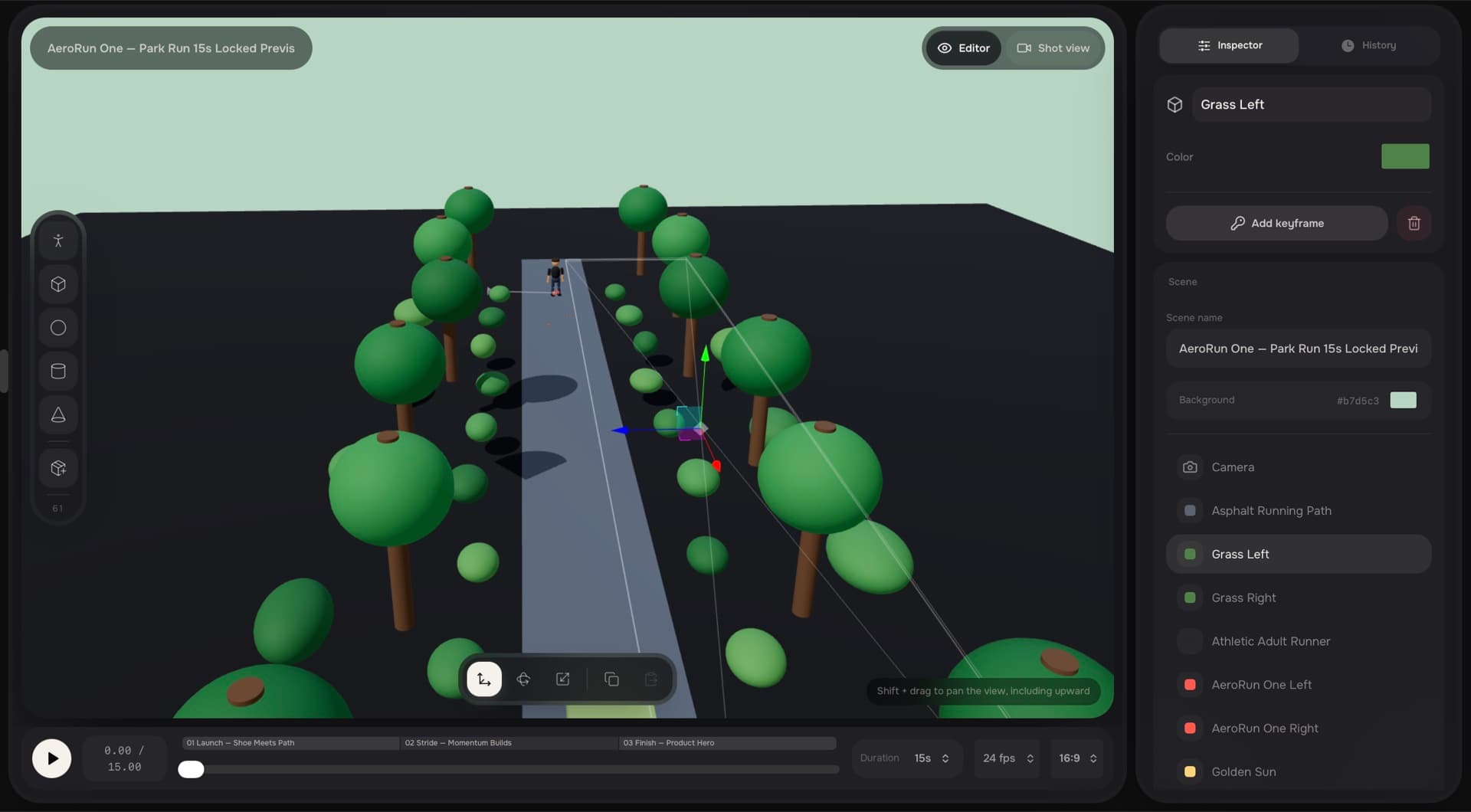
Previs builds the 3D scene, camera, objects, and keyframes, defining duration and aspect ratio before producing the shot.
Music
Sound
Sound Design generates music, sound logos, and effects from prompts or references while keeping them with the rest of production.
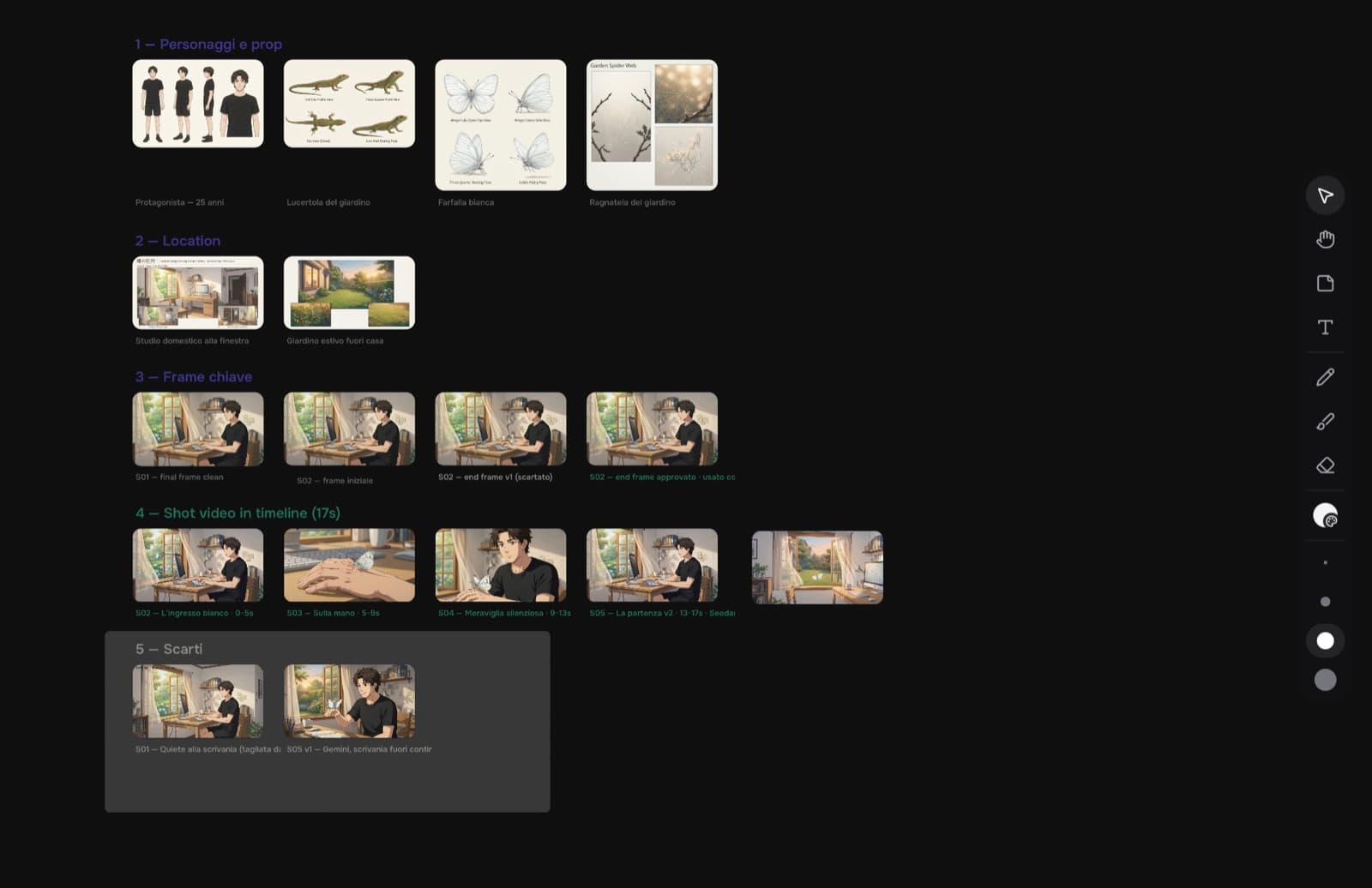
The Map shows relationships and dependencies between references and outputs, making the project structure immediately clear.
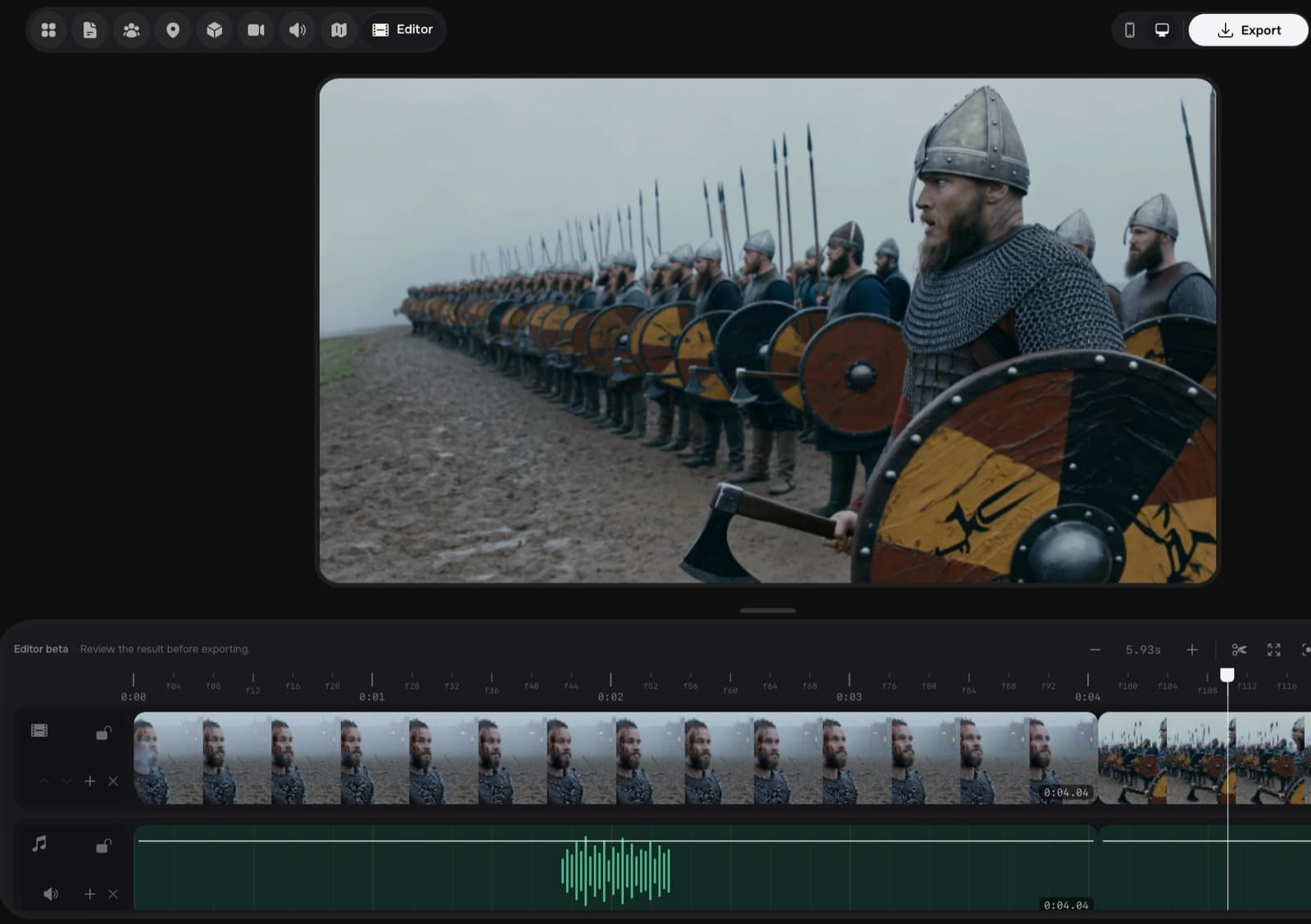
The Editor gathers project assets, arranges them on the timeline, and finishes the master with video, audio, and final adjustments.
codex session
Open Aurora Launch, use the approved references, and prepare four consistent shots for the 30-second master.
Connecting to Widemile production tools…
Aurora Launch project found
widemile · production://aurora-launch
references.list()
3 approved references available
previs.create_shots()
4 shots created and synchronized
editor.assemble()
30-second master assembled
Production updated in ProStudio
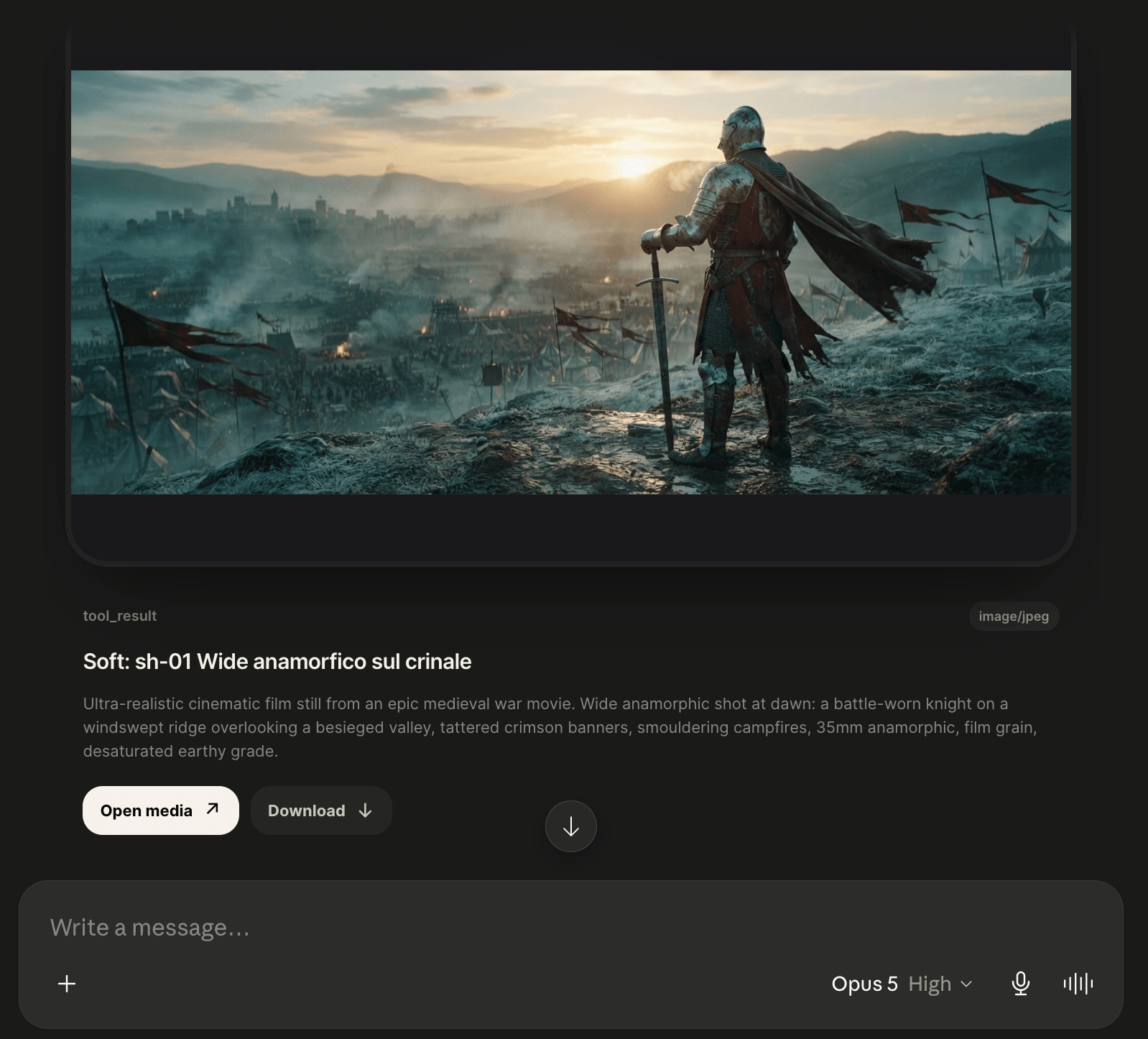
Create, update, and organize a production from your preferred AI environment. Codex, Claude, and Cursor can use ProStudio tools without interrupting your workflow.
From visual direction to the final edit, Academy turns real techniques and workflows into a practical path for creating with ProStudio and AI.
Explore AcademyTell us who you are and what you want to learn. We will contact you when the next program opens.